Play it like an app
Add No10 to
your phone.
Put Survive No10 on your Home Screen for full-screen play with one tap. No app store and nothing to download.
Already bought the game?
Open your access link first.
Open your private access link on this phone while you are online. Then:
- Add No10 to your Home Screen using the steps below.
- Open the new “No10” icon.
- If it asks you to buy again, tap Already bought? to restore your access.
Repeat these steps on each phone or tablet you play on. The game needs an internet connection.
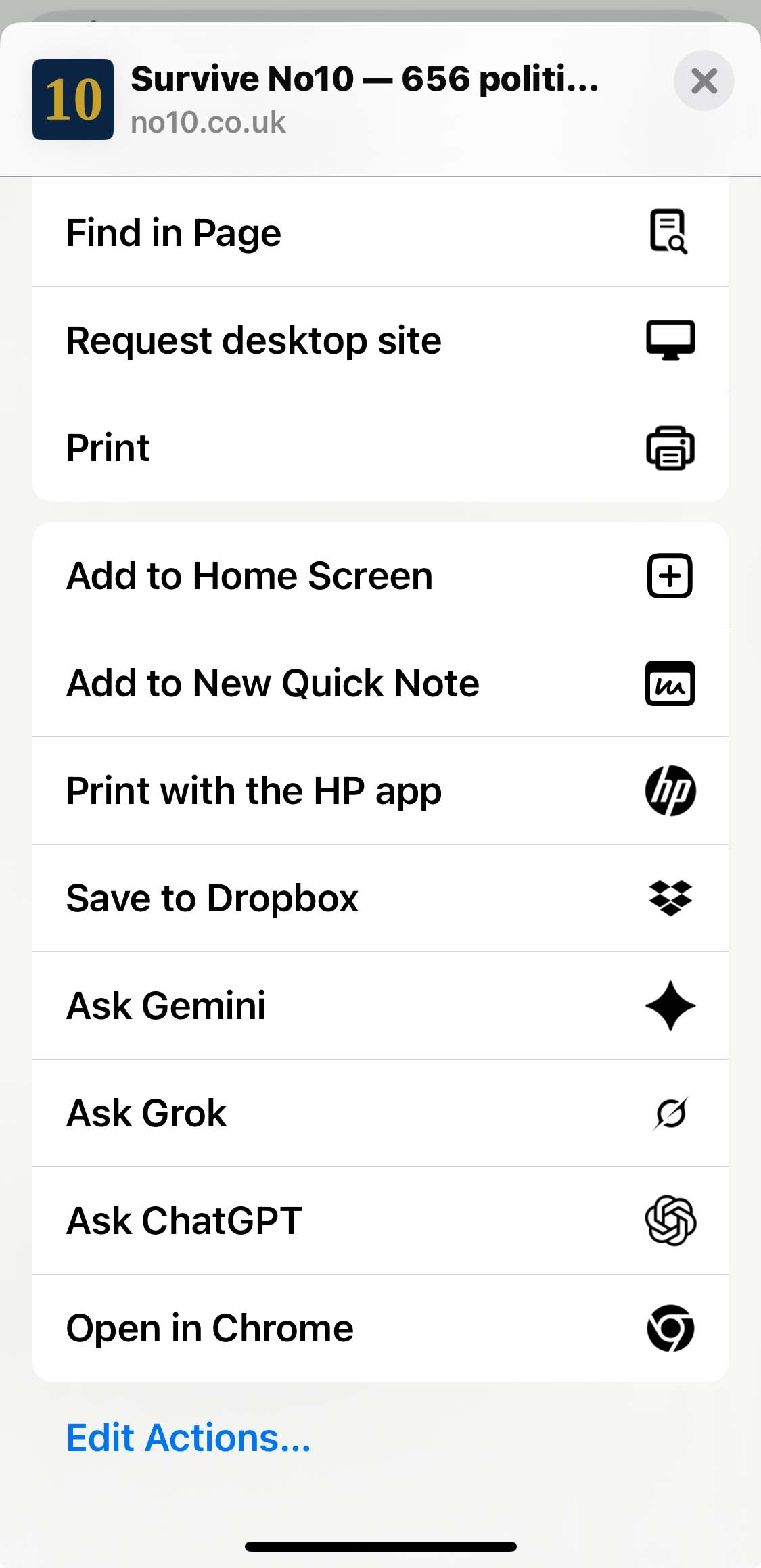
iPhone (Safari or Chrome)
- Open no10.co.uk in your browser.
- Tap the Share icon.
- Scroll and tap “Add to Home Screen”.
- Make sure “Open as Web App” is switched on, then tap Add.
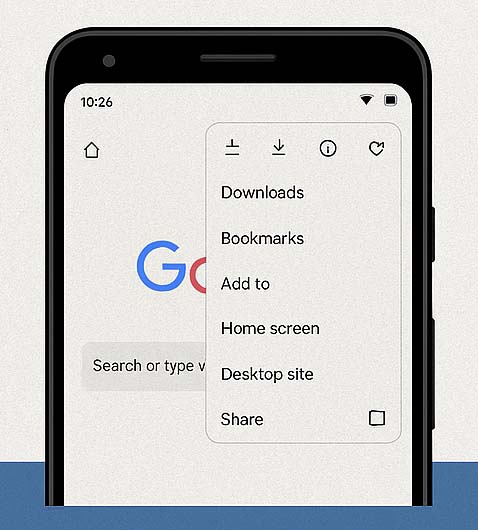
Android (Chrome)
- Open no10.co.uk in Chrome.
- Tap the three dots menu (⋮).
- Select “Add to Home screen” or “Install app”.
- Tap Add or Install to save the icon.
Works like an app. No download needed.
Once it’s on your Home Screen, the No10 icon opens the game full screen, without the browser bars, straight into office.
Added the icon before and it still opens in the browser? Delete it and add it again.